
Choose Series when you are looking for a named work.
Our catalogue records six titles and their displayed episode totals. Use the exact title to locate the work in the destination’s series area. A spelling match is more useful than guessing from a picture, especially when several cards use similar imagery.
Check the current episode listing after you arrive. Our snapshot does not establish the individual episode names, their order, duration or availability. A button on this guide opens the series area rather than pretending to link to an unverified episode.
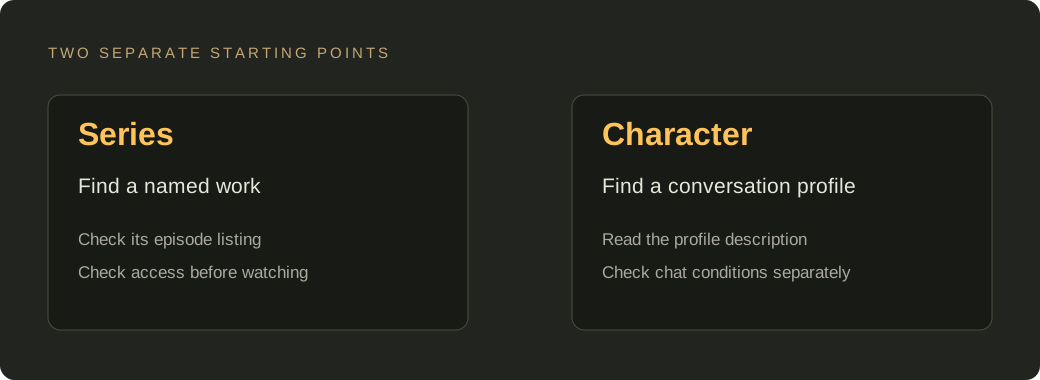
Choose a character profile when the conversation is your goal.
The public page also exposes a “View Character” label and a separate Chat navigation item. This supports the existence of a character-oriented route. It does not prove that every series has a matching character profile, or that a conversation automatically knows which episodes you watched.
Read the profile and its access conditions on the destination. We have not verified character-level addresses, a shared memory between video and chat, or a continuing plot that follows your viewing position. Treat those as questions to check, rather than features promised by this guide.
Keep the two choices separate.
- If you remember a series name, copy the title from the programme and locate that work first.
- If your aim is a conversation, inspect the character profile and the current chat conditions separately.
- Before creating an account or paying, confirm what the destination includes for the activity you want.
For a broader check before leaving this site, use our before-joining note. To keep a name without joining anything, use the local shortlist.